|
|
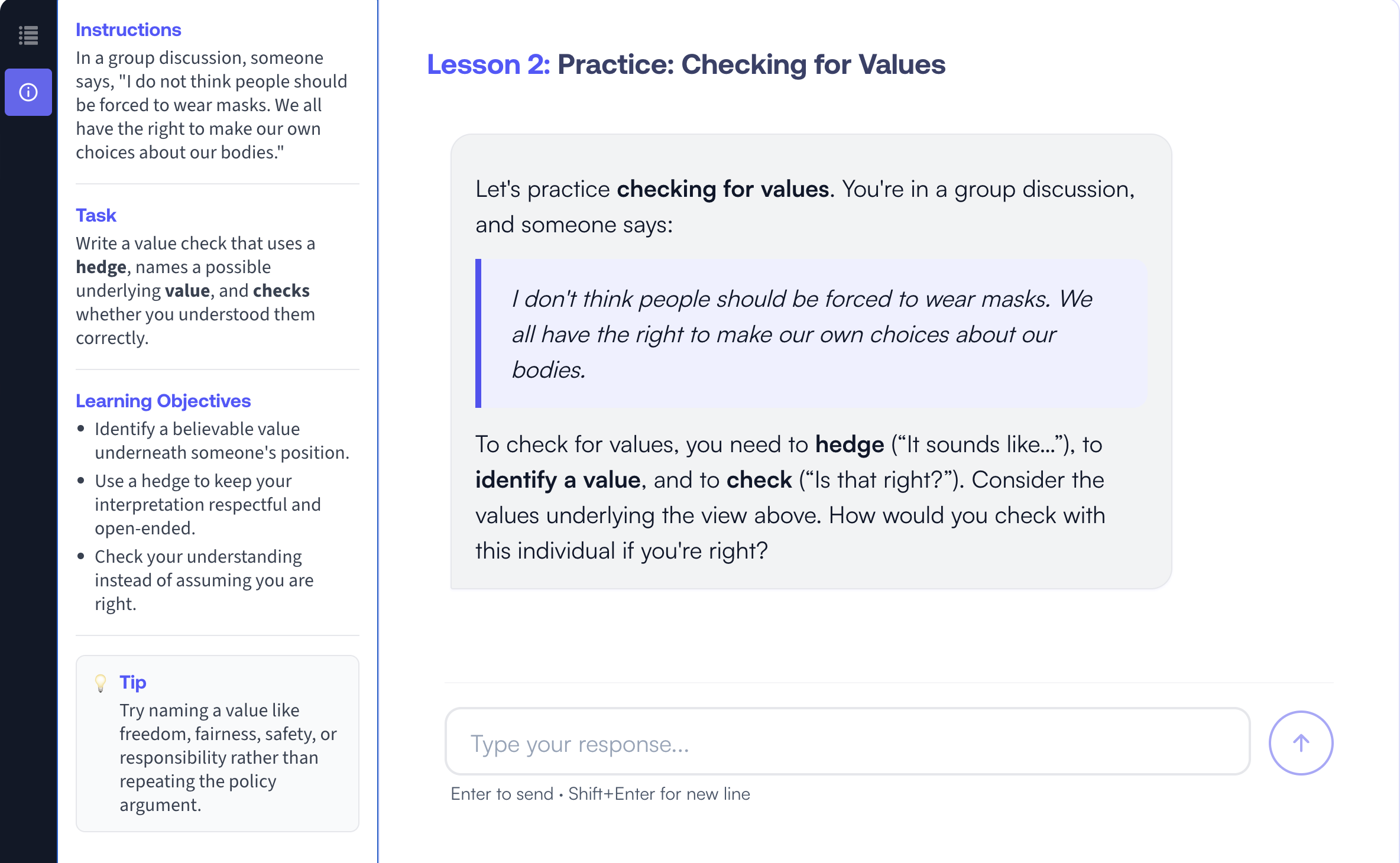
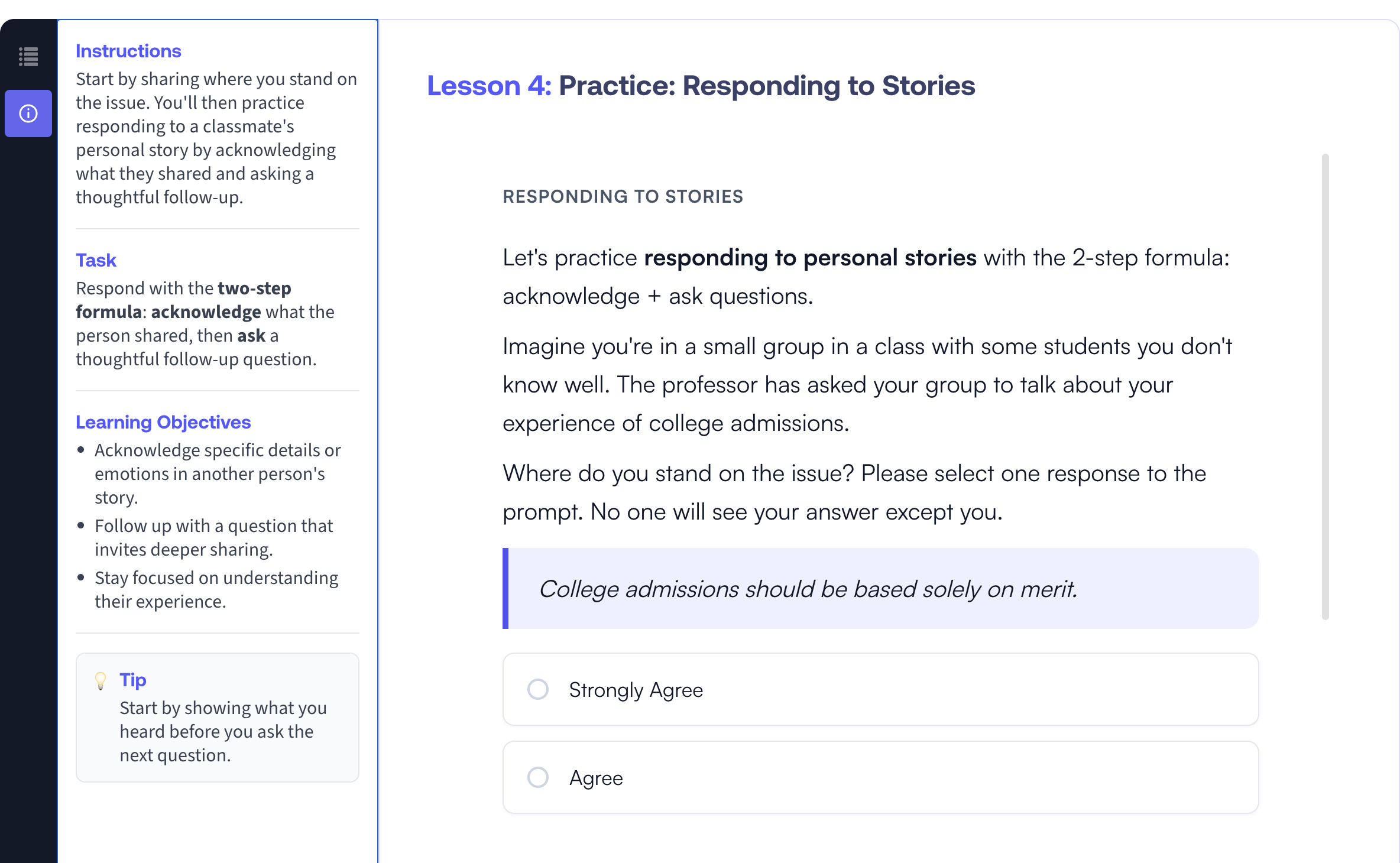
Each Personalized Practice activity opens to a two-panel layout. On the left, there's a sidebar with everything needed to succeed at the task:
- Instructions — the scenario or prompt they're responding to.
- Task — a one-sentence description of what they need to write.
- Learning Objectives — the specific skills the activity is reinforcing.
- Tip — a hint to help students who get stuck.
The most important thing to know going in is that retries are the point, not the problem. Most responses that don't pass on the first try aren't wrong—they're on the right track but need more precision or completeness. Before each attempt, re-read the Task and Learning Objectives in the sidebar; almost always, the answer to "what's missing?" is right there.
A few tips for succeeding in the activity:
- Use the sidebar as a checklist. Before submitting, glance back at the Task and Learning Objectives to make sure your response addresses each piece.
- Lean on the Tip. It's there for a reason — it usually points to the part of the skill students most often miss.
- Try, don't perfect. The activity is designed for iteration. A quick attempt that you revise based on feedback will teach you more than a long, careful one-shot answer.
If you attempt the activity three times without succeeding, you'll be able to advance to the next part of the lesson. The real value is in the practice itself, so give each attempt your best effort before moving on.